
Pricing
One license, every feature. Pick the duration that suits you. Updates released during your license term are included.
1 Month
Good for trying SW BOT.
- All features included
- Updates released during your license term
- 30-day license · 1 PC activation
- Email support
6 Months
Half a year at a lower monthly rate.
- All features included
- Updates released during your license term
- 180-day license · 1 PC activation
- Email support
1 Year
The lowest monthly rate. Recommended for long-term users.
- All features included
- Updates released during your license term
- 365-day license · 1 PC activation
- Email support
By clicking Buy you purchase a digital software license for SW BOT (no physical goods) for the duration shown, usable on one PC at a time. Payment is processed by PayPal; the license key is delivered to your account and e-mail after the payment is confirmed. The purchase is subject to the Terms of Service, the Refund Policy and the Privacy Policy.
Prices in USD. The regular price is the intended price after the launch period; the launch price is what you pay today. All plans include the same features; the difference is duration and price.
What you are purchasing
The product
- SW BOT - digital software licenseA Windows desktop application for LDPlayer 9. Nothing is shipped; the license key and download instructions are sent to your checkout e-mail after the payment is confirmed.
- Fixed term, no automatic renewal1 Month = 30 days, 6 Months = 180 days, 1 Year = 365 days. Buy again to extend.
- One PC at a timeThe license activates on one PC; support can move it to a new PC.
- Updates during the termUpdates released during your license term are included on a best-effort basis; the game changes and features may change with it.
Requirements and policies
- Windows 10 or Windows 11 (64-bit)
- LDPlayer 9 with Rise of Kingdoms installed
- LDPlayer instances set to 640 x 480 resolution (the bot's Health Check verifies this)
- Internet access for license checks (72-hour offline grace)
- RefundsSee the Refund Policy before purchasing. Contact us first if something does not work - most issues are solved by support.
- Supportsupport@example.invalid. Include your order reference.
- Terms and privacyTerms of Service · Privacy Policy · Disclaimer
Running multiple LDPlayer instances requires more RAM and CPU. The practical number of simultaneous emulators depends on your PC hardware; start with one or two and add more while watching memory usage. Use of automation tools may violate the game's terms of service; you use SW BOT at your own risk.
Three steps from checkout to running bot
Choose Your Plan
Select a 1-month, 6-month or 1-year license. Fixed term, no automatic renewal.
Pay Securely
Complete checkout with FastSpring, the merchant of record. We never see your card details.
Download & Activate
Your license key and download instructions arrive by e-mail after the payment is confirmed; install SW BOT and activate it with the key.
What you receive
- License KeySent to your checkout e-mail after FastSpring confirms the payment, usually within minutes.
- DownloadThe current release, with the same e-mail.
- Automatic UpdatesNew versions released during your license term install through the launcher.
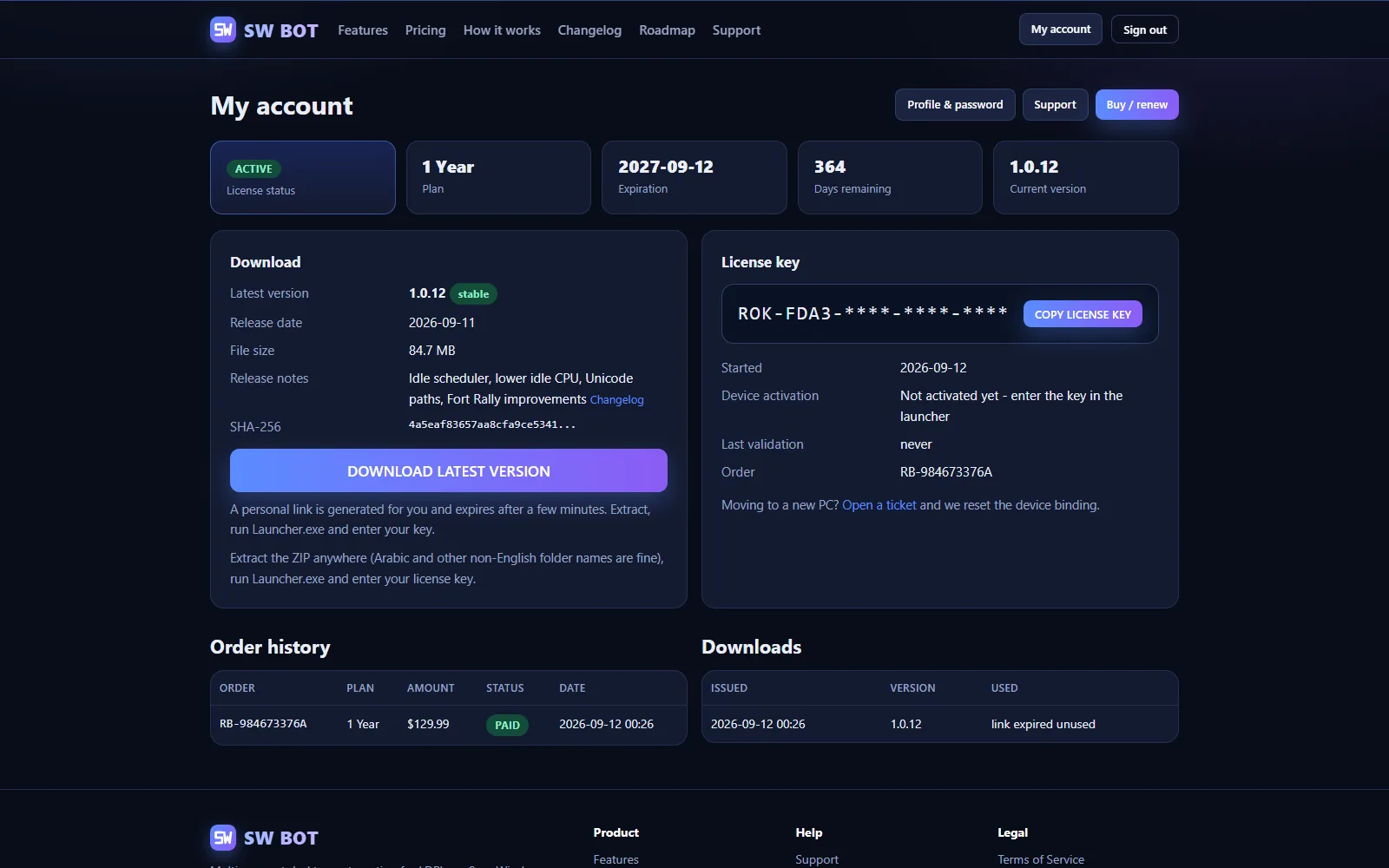
- License Status / ExpirationThe launcher shows your license status and expiry date.
- Device ActivationOne PC per license by default; support can move it to a new PC.
- InvoiceFastSpring e-mails the invoice and keeps it available through its order lookup.
Before you buy
Do I need Python or any developer tools?
No. You receive the compiled Windows application. Extract the ZIP, run Launcher.exe and enter your license key.
Does SW BOT support LDPlayer 9?
Yes. SW BOT is built and tested for LDPlayer 9 at 640x480.
How many accounts can I use?
It depends on the profiles you configure and on your PC hardware. Each profile is bound to an LDPlayer instance and Governor slot; every extra emulator needs more RAM and CPU.
Are updates automatic?
Yes. Supported releases are delivered through the launcher, which checks for a new version on every start.
Will updates delete my settings?
No. Your settings live in a separate folder that updates never touch: accounts, rules, timers and your license are preserved.